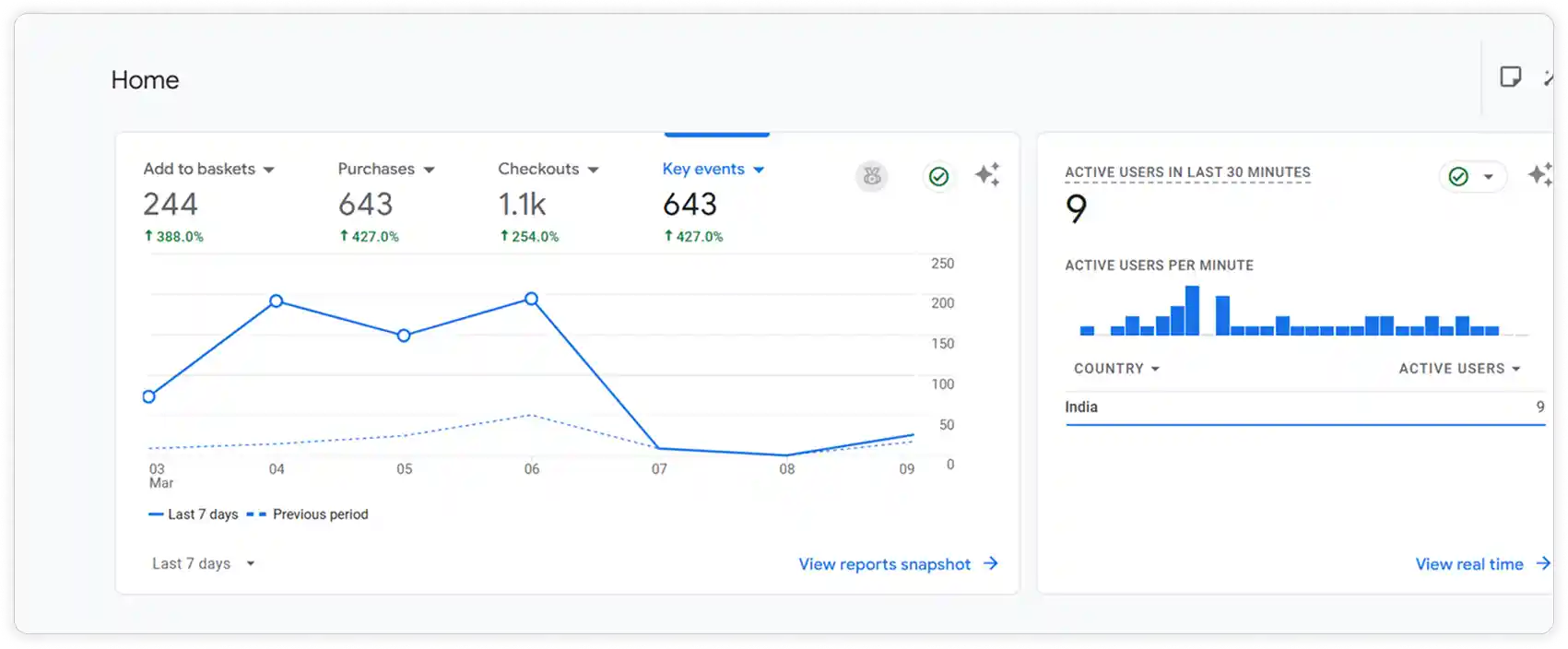
Google Analytics
Google Analytics allows you to track and analyse your store traffic while identifying the specific spots where your customers leave. By integrating Google Analytics with ZenBasket, you can get to know your visitors which tends to reach your target audience at the right stage.
Benefits of the integrating
-
Syncing your store with Google Analytics makes tracking easier.
-
Understand your visitors’ behaviour through your store’s dashboard.
Setup the integration
-
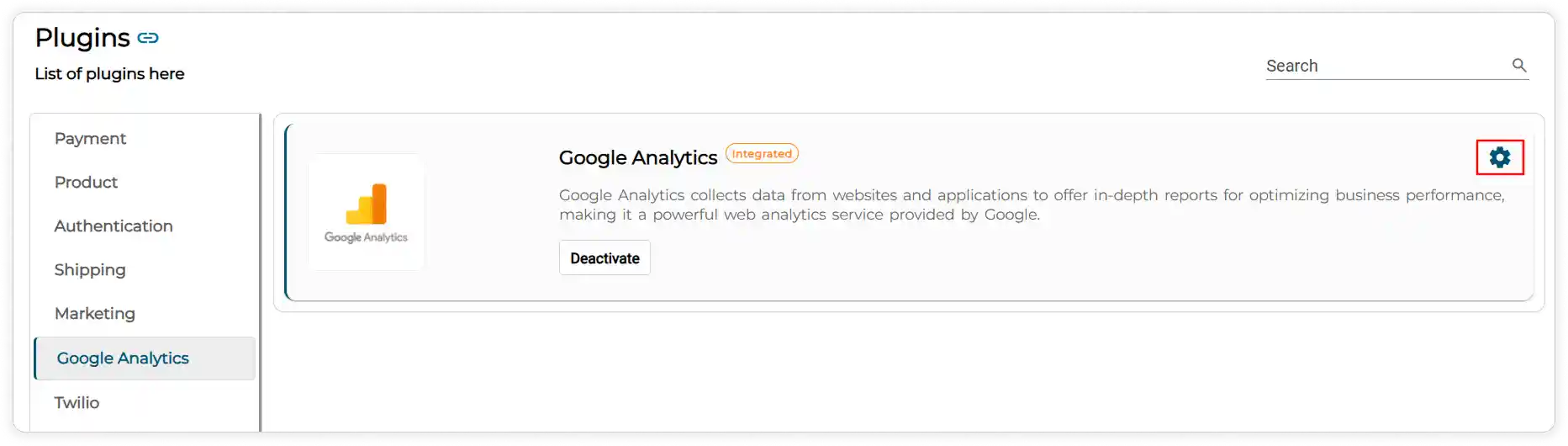
Go to the Plugins section,
-
Click on the Plugin List and select Google Analytics.
-
Click the Activate button.
-
The Settings icon will appear.
-
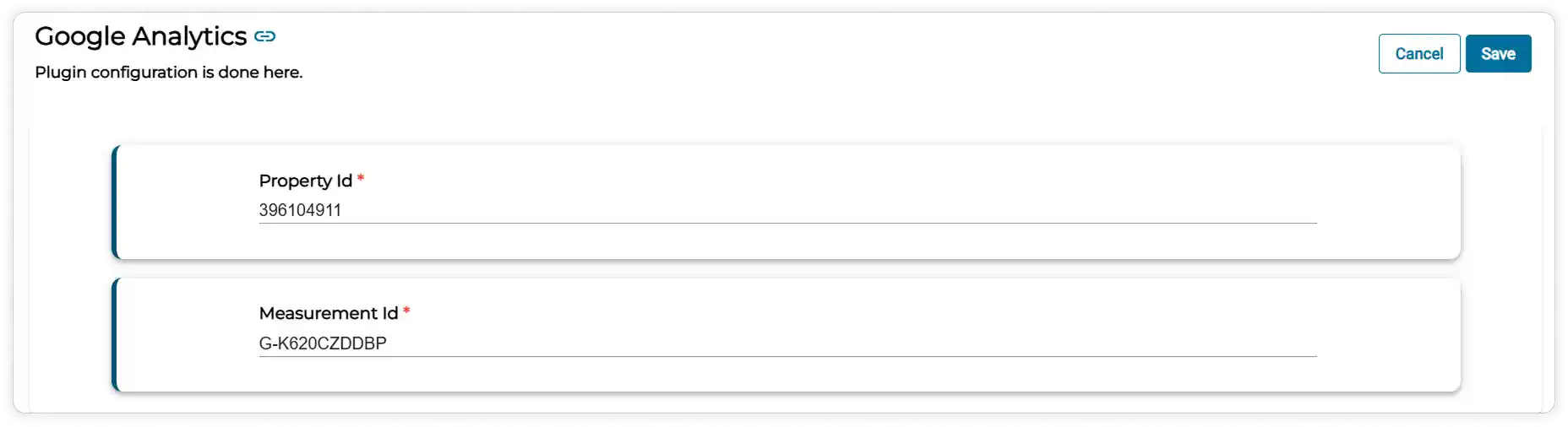
Click it to enter the Property ID and Measurement ID obtained from Google Analytics. If you don’t have a Google Analytics account, create one and set up a property for your website. After creating the property, add a Web Data Stream to generate the measurement ID required to connect your website.
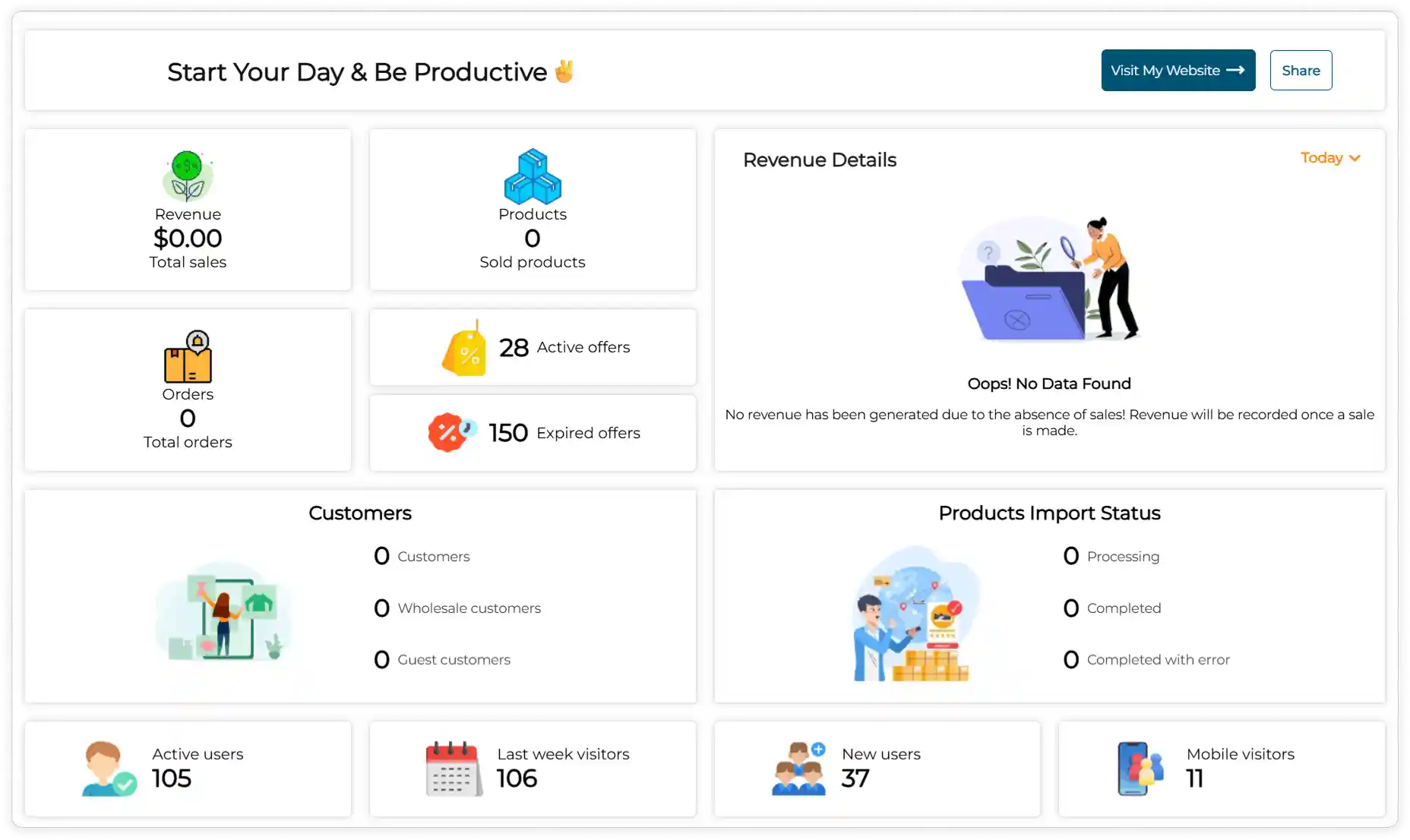
Now you can view your store traffic on the dashboard such as active users, last week visitors, new users and mobile visitors.
Note: Getting access to link your Google Analytics account with Zenbasket helps verify the integration and read analytics data to ensure the tracking works properly.
Tracking Events in Google Analytics
-
On your Google Analytics home page, you can track specific event data such as add to basket, purchase, and checkout.
-
If you want to view more events, click the Key Events dropdown. From there, you can choose the events you want to display, such as Active Users, Total Users, and Event Counts (Scroll and Page View).