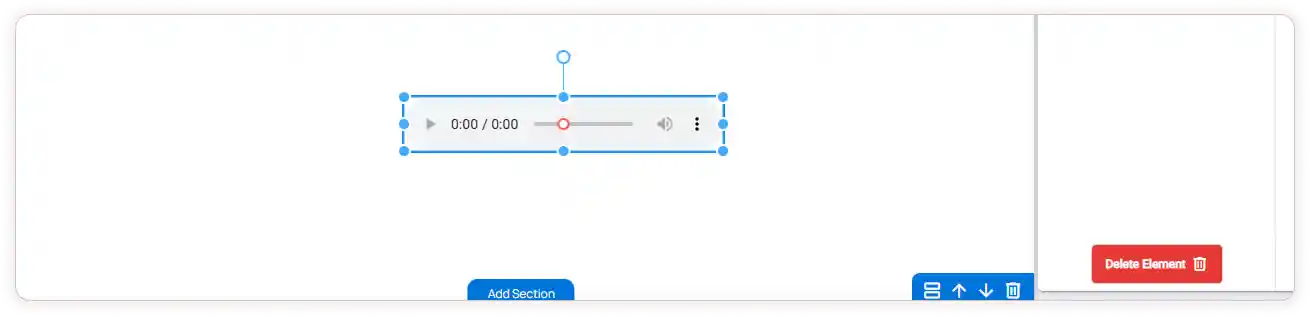
Music Element
The Music Element in ZenBasket Builder Editor enhances your site by adding rich audio experiences that complement your visual design. It helps create an engaging and immersive environment, allowing background music or sound effects to set the tone and mood for your visitors.
Adding a Music Element
-
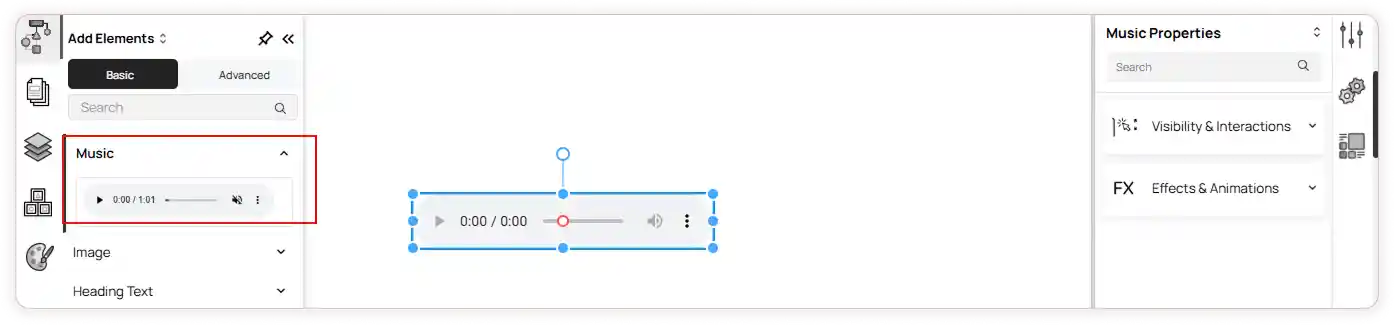
From the left panel menu, click on Add Element.
-
In the Basic section, select the Music Element.
-
Drag and drop the music element into the desired section of your page.
Customizing the Music Element
Once you’ve added the element, its properties will appear on the right panel. The available customization options include:
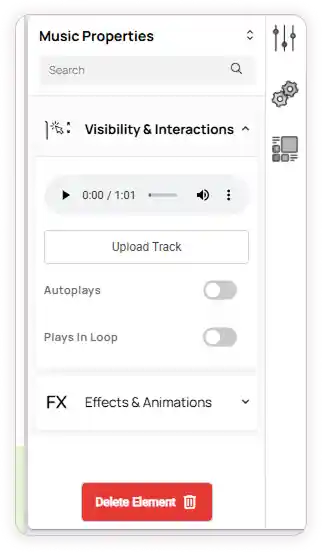
1. Visibility & Interactions
-
Upload Track: Click Upload Track to add music from your folder or downloads.
-
Autoplay: Enable or disable the Autoplays toggle to decide if the music should start automatically when the page loads.
-
Loop Playback: Enable or disable the Plays in Loop toggle to repeat the track continuously.
2. Effects & Animations
-
Choose an animation action from the dropdown and preview it.
-
Apply effects for the selected animation and set delay,duration and iteration as needed.
Additional Options
-
Resize: Adjust the size of the element as needed.
-
Rotate: Use the rotate icon to change the orientation of the element.
-
Delete: Click Delete Element to remove it from the page.