Using Effects and Animations
You can use effects and animations to make your site more engaging and dynamic. Various animation options are available, such as hover and loop effects, which can be customized to match your design style. You can also adjust settings like duration and delay to achieve the desired motion.
To add effects and animations:
-
In the ZenBasket Builder Editor, select any section of your page.
- Once selected, the Div Properties panel will appear on the right side of the screen.
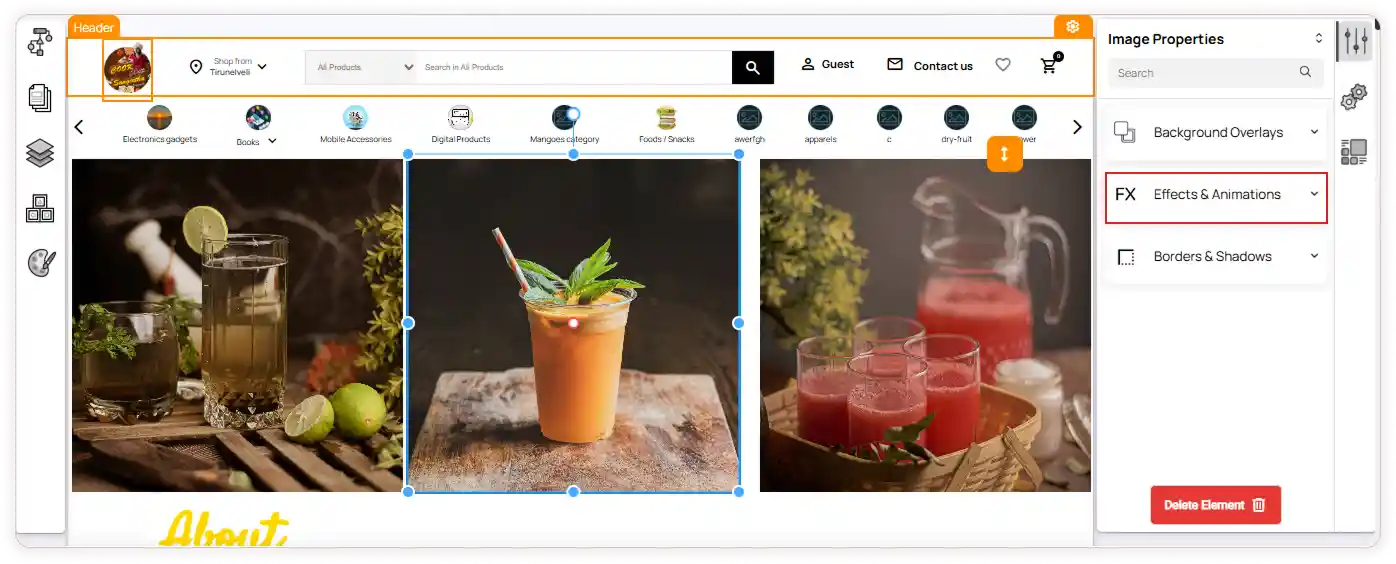
- In this panel, locate the Effects and Animations options.
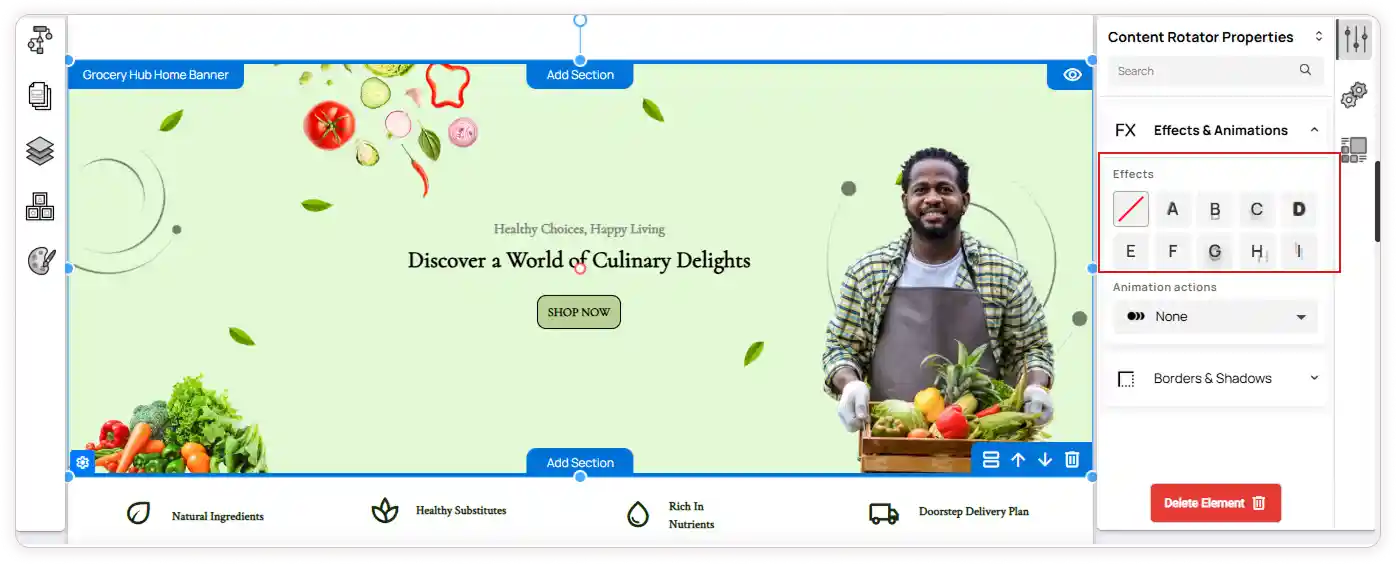
- Under Effects, choose how the text element should appear with an effect.
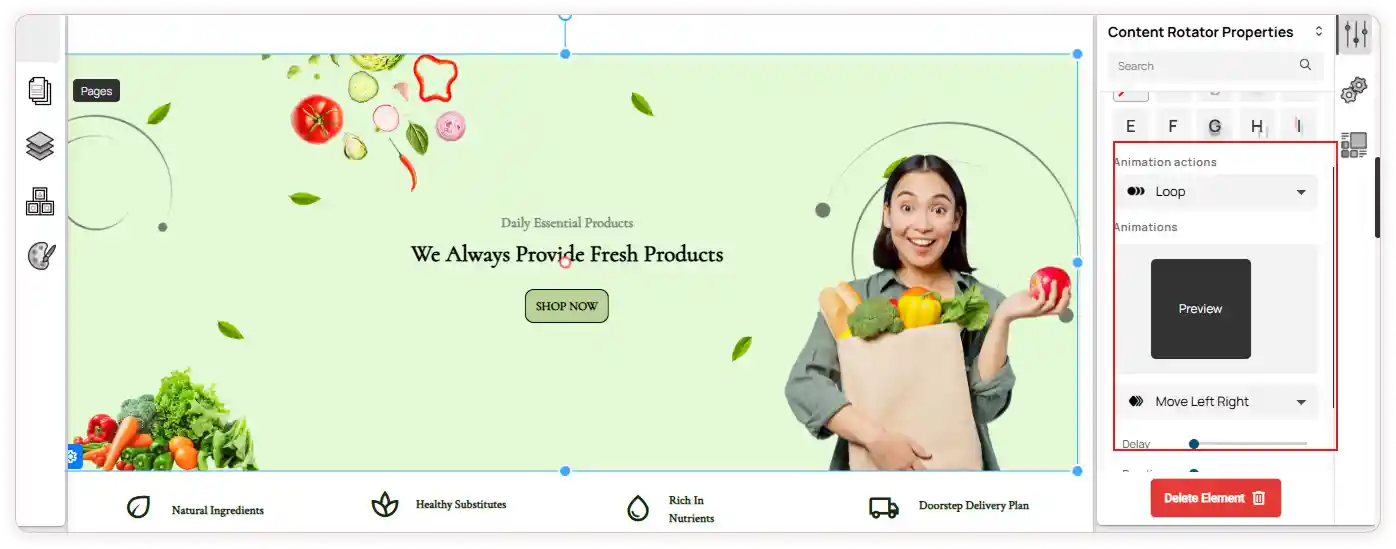
- In Animation Actions, you will find a dropdown list of animation types.
-
Select an animation to view a live preview.
-
Below the preview, you can customize how the animation appears by setting the Delay, Duration and iteration.
- The selected effects and animations will be applied automatically when you preview or publish the page.